

To activate your TruConnect service, download the "My TruConnect" app or visit truconnect.com/activate. You will need your SIM card number (ICCID) and your ZIP code. If you are activating a phone provided by TruConnect, simply insert the SIM card, power the device on, and follow the setup instructions included in your package.
The fastest way to check your usage is to text the word "BALANCE" to 611611 from your TruConnect phone. You will receive an automated text showing your remaining data, talk minutes, and text messages. You can also view real-time usage by logging into the My TruConnect app on your smartphone.
Yes, you can transfer your existing number to TruConnect. During the activation process, select the option to port your number. You will need to provide your current carrier's account number and account PIN. ensure your old service remains active until the transfer is fully complete to avoid losing your number.
If your data isn't working, first ensure that "Mobile Data" is enabled in your phone's settings and your plan has a remaining balance. If it still doesn't work, text "APN" to 611611 to receive the correct network settings for your device. Restarting your phone after updating these settings often resolves most connection issues.
To speak with a live representative, call 1-800-430-0443. After selecting your language, follow the prompts for technical support or account inquiries, or press 0 several times to be placed in the queue for a live agent. Customer support is generally available Monday through Saturday, from 5 AM to 9 PM PST.





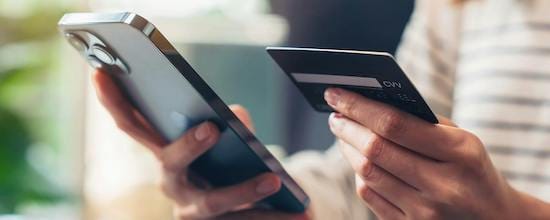
 Lifeline PROGRAM
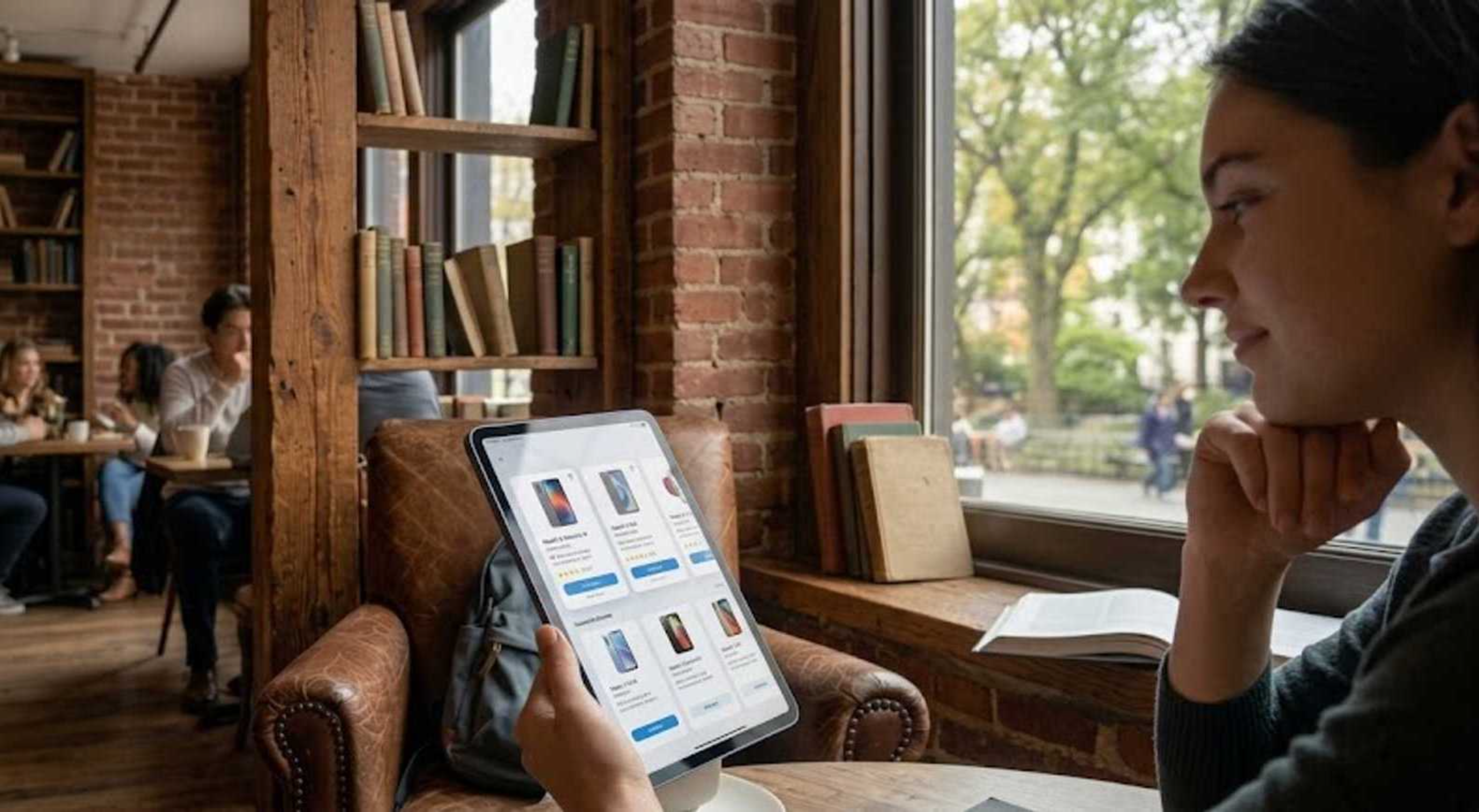 UNLIMITED DATA
 Fast Check
 Local Help
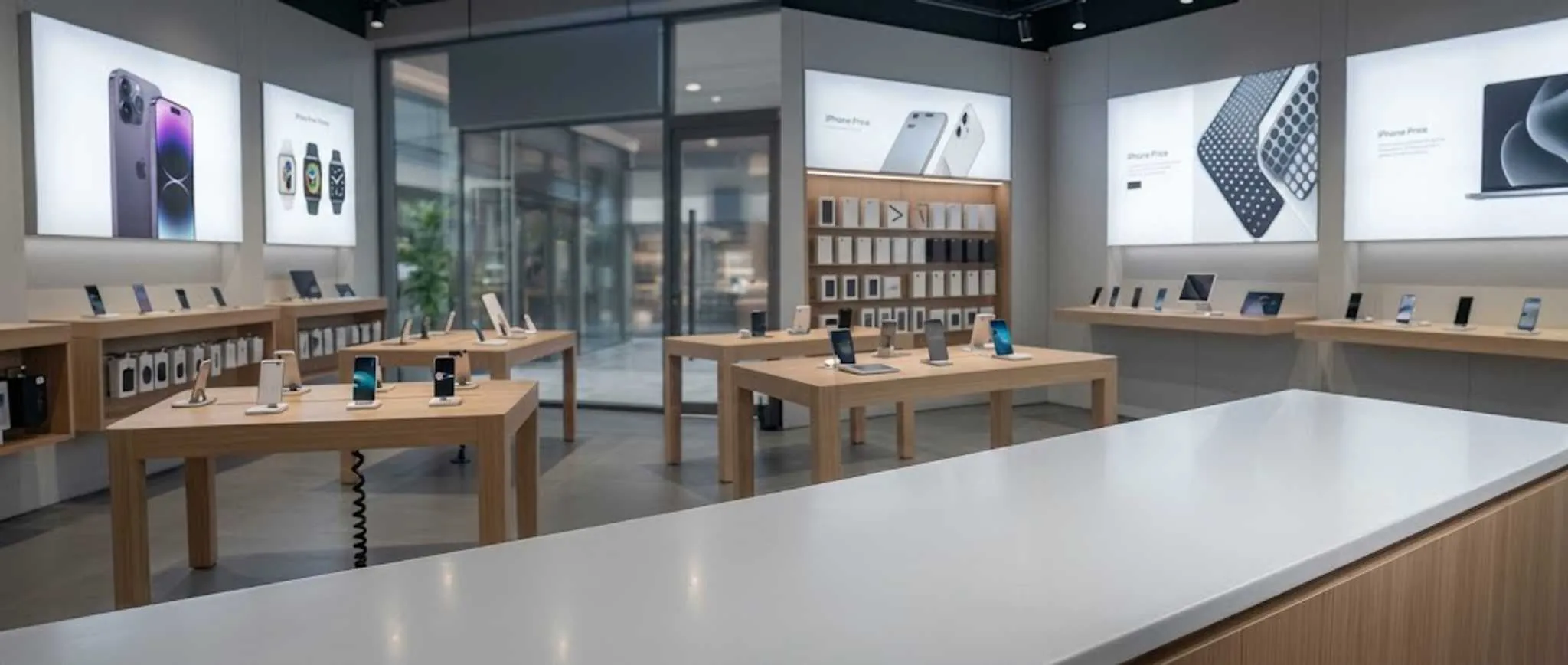 Real-Person